Prismm shuts down on 31 December. Don't let your venue go with it.
Cvent's migration timeline for Prismm (formerly AllSeated) is public and already under way: new Prismm events are being phased out now, from 1 October 2026 everything becomes view-and-export-only, and on 31 December 2026 access ends. Even the official move to Cvent Event Diagramming leaves work behind — by Cvent's own guidance, your templates, favourites and groups don't transfer. What every plan can still do is export a PDF. Metis turns that PDF back into a working, editable room — walls, doors and windows as real objects — so switching doesn't mean redrawing your venue by hand.
14 days free. No credit card. PDF import is included during the trial.
Dates from Cvent's published Prismm migration resources. Metis Room Planner is independent of Cvent and Prismm.
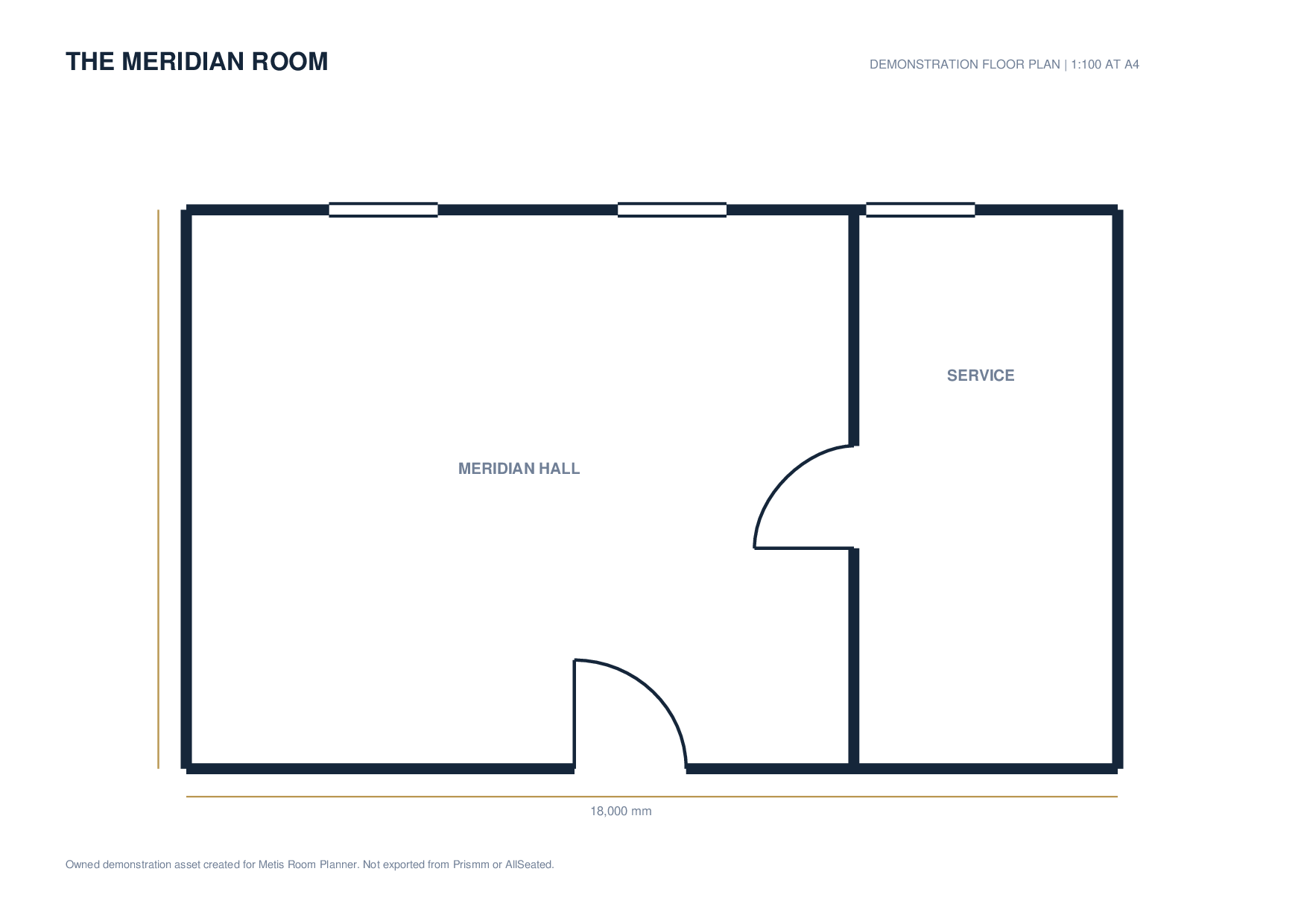
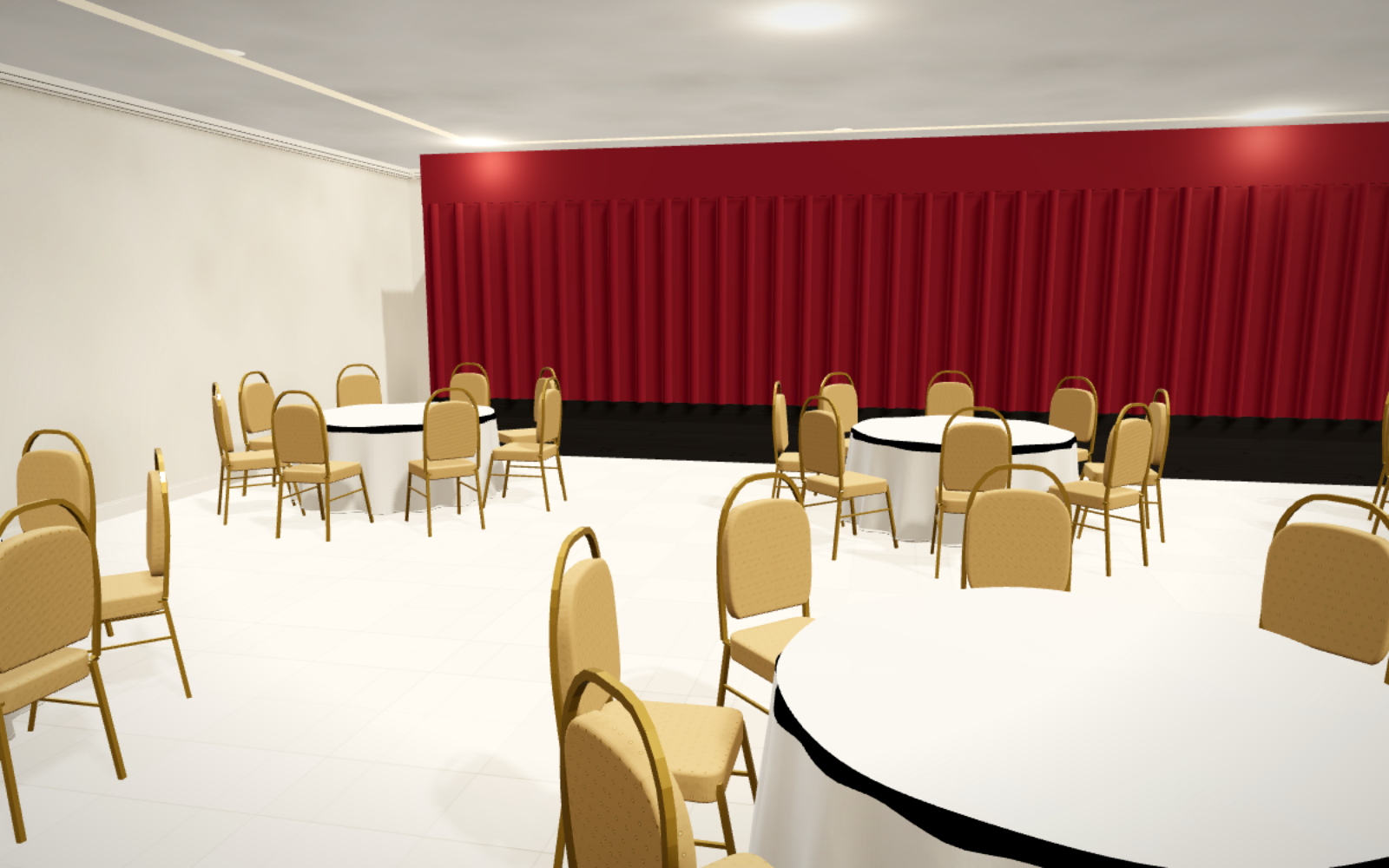
One PDF in. A working venue out.
Import your PDF and give Metis one real measurement to set the scale. Metis then detects the walls, doors and windows and lays the editable room directly over your drawing — keep the PDF underneath for reference, or fade it away. Make the necessary tweaks (most drawings need a few) and the room is ready to use: lay out tables, check capacity, open it in 3D.
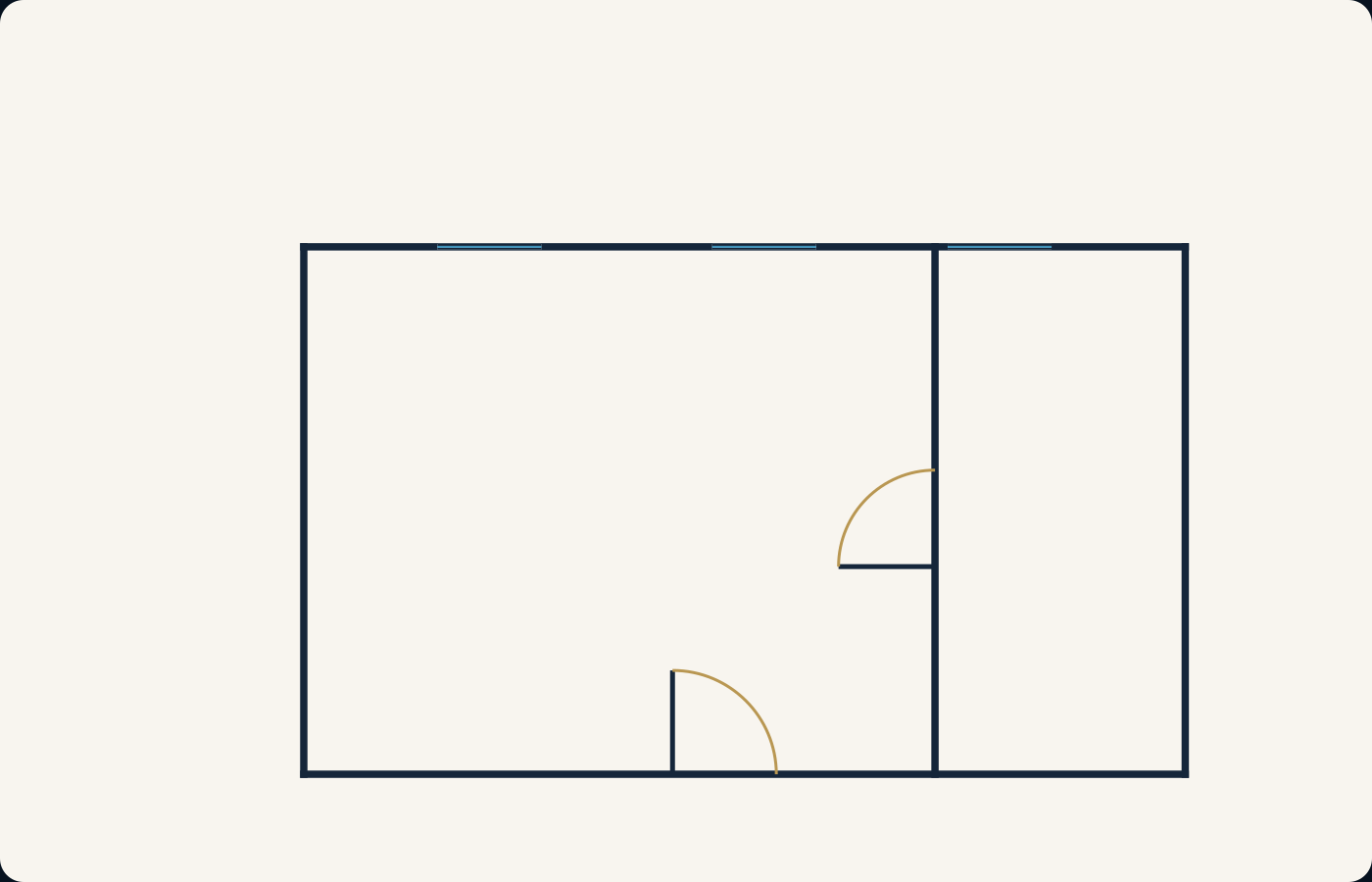
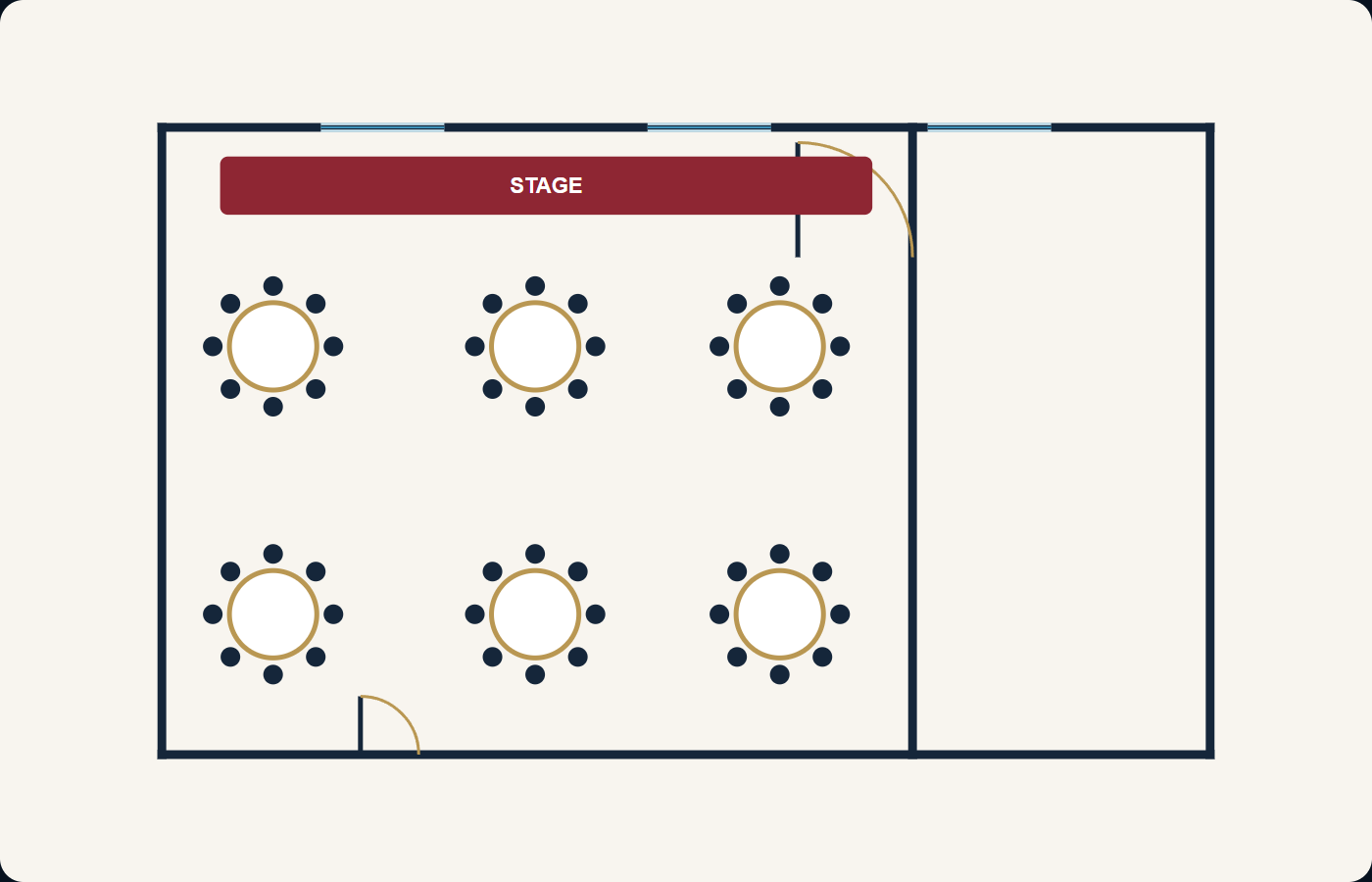
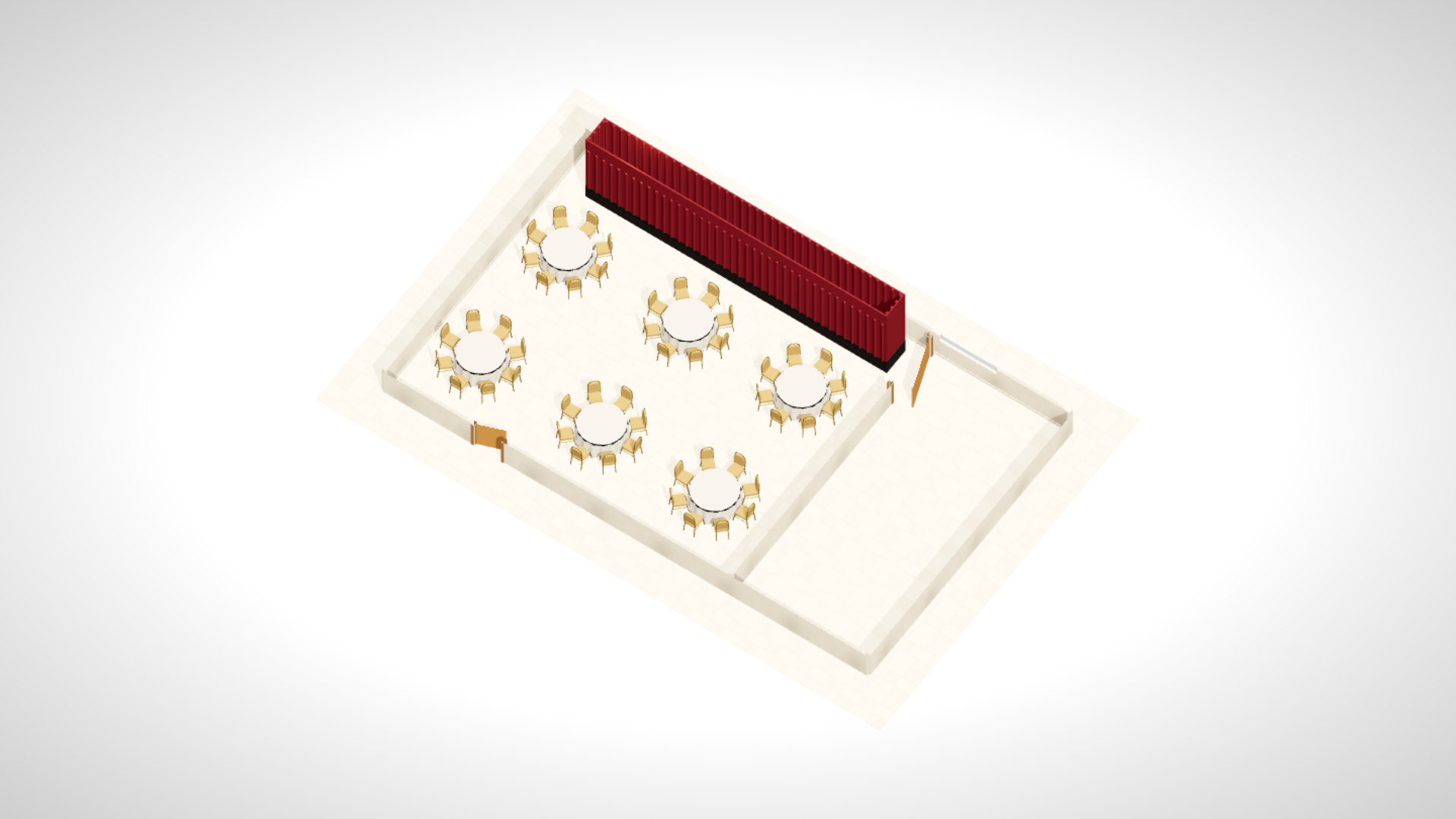
A PDF can only be looked at. Panels 2 and 3 can be edited, re-laid-out, priced and walked through in 3D.
- Walls ✓
- Doors ✓
- Windows ✓
- Then: layouts, capacity & 3D ✓
How it works
What Metis detects
Walls and angles
Clear external and internal wall linework is vectorised. Diagonal wall endpoints retain their angle.
Doors
Door gaps and swing-arc symbols become editable single- or double-door objects, with their swing direction preserved.
Windows
Window line symbols can become native Metis window objects attached to the traced structure.
One PDF page
Metis processes page one of a PDF. It does not batch-migrate a portfolio or read proprietary Prismm data.
How to export from Prismm
Open Events, select the event, open Seating, choose the floor plan, select the PDF icon, then use Save PDF and select the floor plan to export. Refer to Prismm support if the interface wording changes.
Then import into Metis
Create a plan, choose Import Existing Floorplan, upload the PDF and provide one real measurement to set the scale. Choose Detect walls, doors & windows and the editable room appears over your drawing — keep the PDF underneath as a reference layer, fade it, or remove it entirely. Make the necessary tweaks — most drawings need a few — then save the finished room as a venue template.
From venue template to future events
2D planning
Add tables, chairs, stages, dance floors and equipment to the editable room.
Auto Layout
Generate banquet, theatre, classroom, cabaret, U-shape and other starting layouts where they fit.
3D visualisation
Open the completed event in Metis 3D for a walkthrough and client review.
Save and share
Reuse the venue template for future events and share review links without sending the editable source plan.
Questions before you import
When does Prismm actually shut down?
Per Cvent's published migration timeline: new Prismm event creation is phased out between 8 July and 30 September 2026; from 1 October 2026 all Prismm events, floor plans and reports are view-and-export-only; and on 31 December 2026 access to prismm.com ends and support is switched off. Cvent's guidance also notes that Prismm templates, favourites and groups do not transfer to Cvent Event Diagramming.
Is this a proprietary Prismm data migration?
No. You export your own floor plan as a standard PDF and upload that file to an independent Metis product.
Is Metis a replacement for Cvent Event Diagramming?
Metis is an independent alternative, not affiliated with Cvent. If you're being migrated from Prismm to Cvent Event Diagramming and would rather not be, the same PDF export works here: import it, and the room becomes editable — 2D planning, seating charts and 3D walkthroughs included.
Does Metis read dimensions automatically?
No. Set scale separately using two known points and a real-world distance.
What files can I upload?
PDF, SVG, PNG, JPG and JPEG are supported, up to 20 MB. PDFs use page one.
What if recognition is uncertain?
Metis rejects drawings it cannot classify as a usable floor plan. For partial results, review the selected objects, edit them, undo them or adjust wall-ink sensitivity and retrace.
Can I try this during the free trial?
Yes. The 14-day trial does not require a credit card, and the import workflow is available to an active trial account while the site's room-analysis service is enabled.
Metis Room Planner is an independent product and is not affiliated with or endorsed by Prismm, AllSeated or Cvent.
Export while you still can.
From 1 October Prismm is view-and-export-only; on 31 December it's gone. Export one room as a PDF today and watch it become an editable Metis venue — no redrawing, no starting over.
Try your floor plan14 days free. No credit card.